Skip to content
  • facebook.com
  • twitter.com
  • t.me
  • instagram.com
  • youtube.com
Visual Basics for Application

Automate Smarter. Build Faster with Visual Basic for Applications.

Subscribe
  • Home
  • About
  • Blog
  • Contact
  • Create your website with blocks
  • Sample Page
  • Sample Page
  • Home
  • spreadsheet design
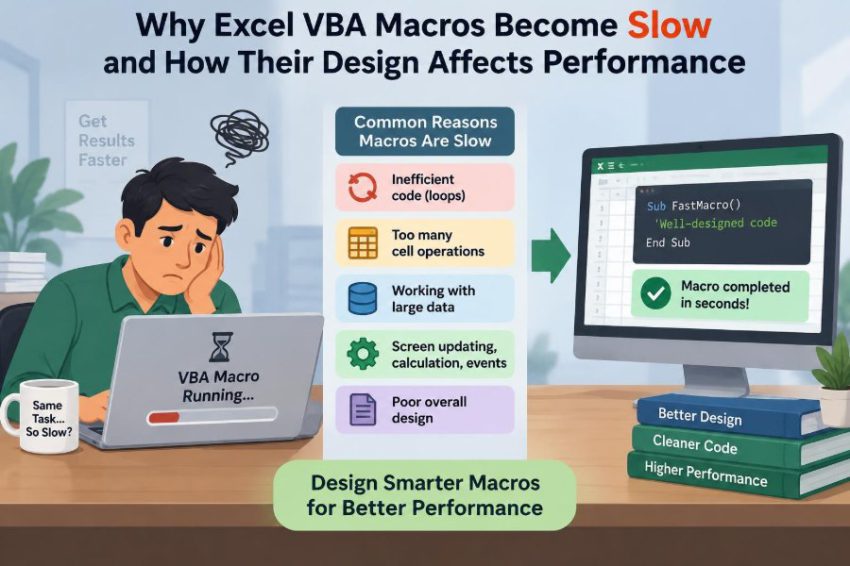
⚙️ Why Excel VBA Macros Become Slow and How Their Design Affects Performance
Posted inFeatured

⚙️ Why Excel VBA Macros Become Slow and How Their Design Affects Performance

Posted by admin September 23, 2026
A slow Excel macro is often a design issue, not just a big workbook. Learn where time goes and how arrays, lookups, calculation settings, and cleaner workflows help. 📊⚡🧩
Read More

Recent Posts

  • ⚙️ Why Excel VBA Macros Break After Workbook Structure Changes
  • ⚙️ How to Build a VBA Macro That Cleans and Formats Excel Data Automatically
  • ⚙️ Can Technology Replace Manual Excel Workflows Without Replacing VBA Completely?
  • ⚙️ Why Most Slow VBA Macros Spend Too Much Time Reading and Writing Worksheet Cells
  • ⚙️ Why Most Slow VBA Macros Spend Too Much Time Reading and Writing Worksheet Cells

Recent Comments

No comments to show.

Archives

  • October 2026
  • September 2026
  • August 2026

Categories

  • Featured
Copyright 2026 — Visual Basics for Application. All rights reserved. Bloghash WordPress Theme
Scroll to Top