Skip to content
  • facebook.com
  • twitter.com
  • t.me
  • instagram.com
  • youtube.com
Visual Basics for Application

Automate Smarter. Build Faster with Visual Basic for Applications.

Subscribe
  • Home
  • About
  • Blog
  • Contact
  • Create your website with blocks
  • Sample Page
  • Sample Page
  • Home
  • Error handling
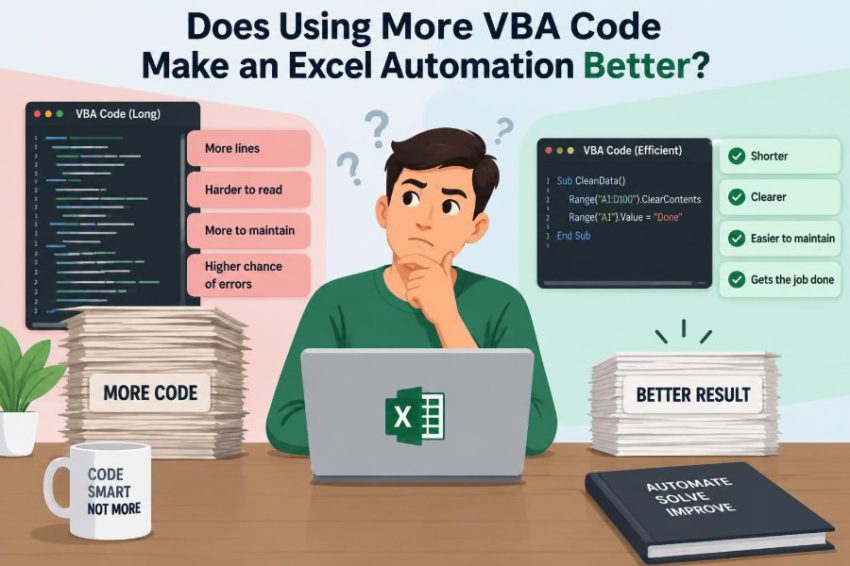
⚙️ Does Using More VBA Code Make an Excel Automation Better?
Posted inFeatured

⚙️ Does Using More VBA Code Make an Excel Automation Better?

Posted by admin October 3, 2026
A longer macro can add reliability—or just add confusion. Learn what makes Excel automation faster, safer, easier to maintain, and genuinely useful. 📊🧩✅
Read More
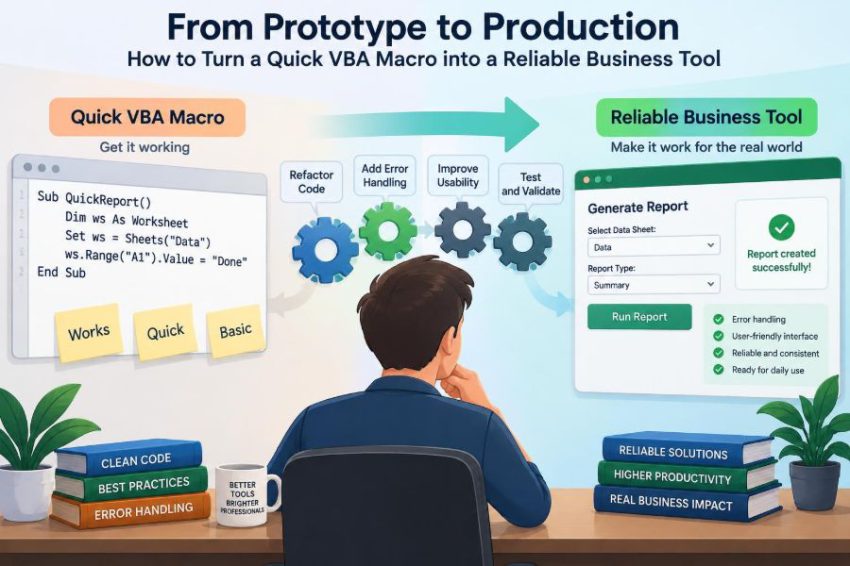
⚙️ From Prototype to Production: How to Turn a Quick VBA Macro into a Reliable Business Tool
Posted inFeatured

⚙️ From Prototype to Production: How to Turn a Quick VBA Macro into a Reliable Business Tool

Posted by admin October 3, 2026
Your quick macro now runs a real business process. Learn how to validate inputs, prevent silent errors, protect outputs, and make VBA tools maintainable. 📊🛠️🔒
Read More
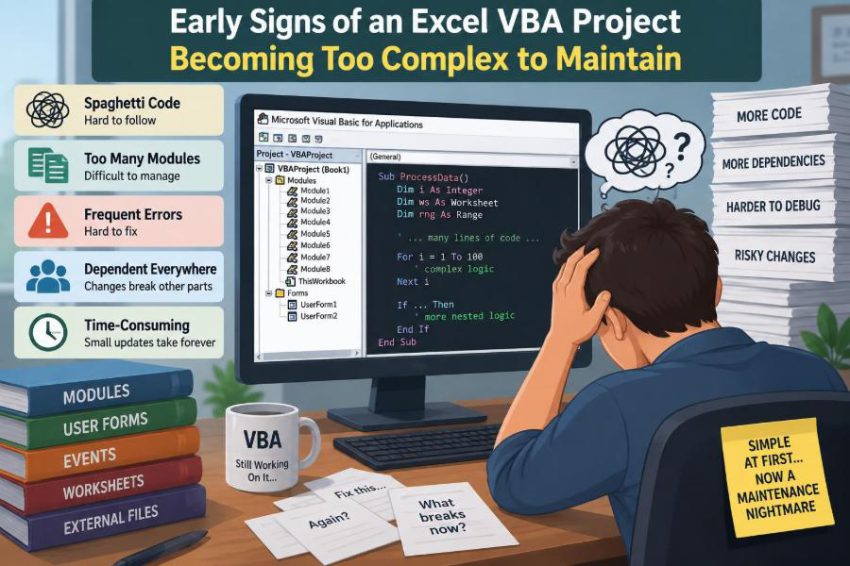
⚙️ Early Signs of an Excel VBA Project Becoming Too Complex to Maintain
Posted inFeatured

⚙️ Early Signs of an Excel VBA Project Becoming Too Complex to Maintain

Posted by admin October 1, 2026
Small warning signs can turn a useful workbook into a risky one. Learn the VBA habits, dependencies, and testing gaps that make changes difficult—and what to improve first. 🔍🧩✅
Read More
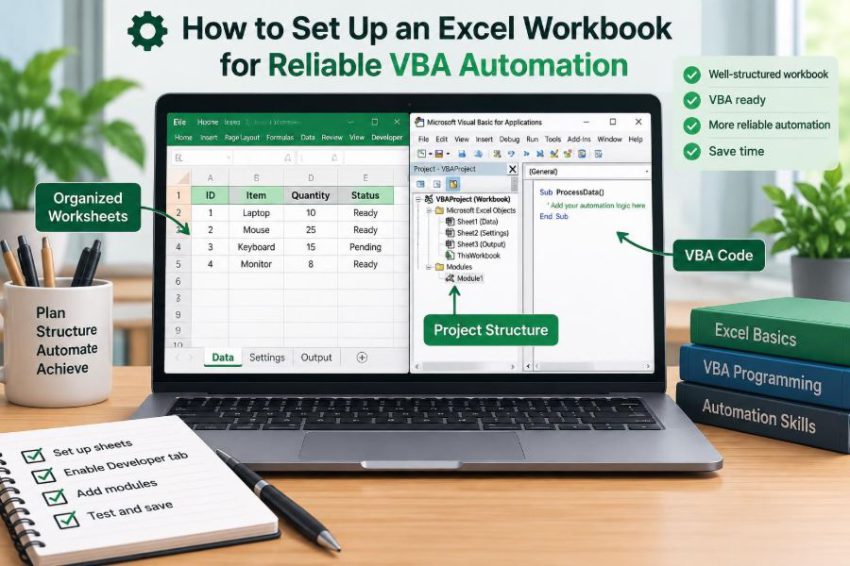
⚙️ How to Set Up an Excel Workbook for Reliable VBA Automation
Posted inFeatured

⚙️ How to Set Up an Excel Workbook for Reliable VBA Automation

Posted by admin September 30, 2026
A reliable macro starts before the first line of code. Learn how tables, validation, safe outputs, and clear workbook structure prevent common VBA failures. 📊🧩✅
Read More
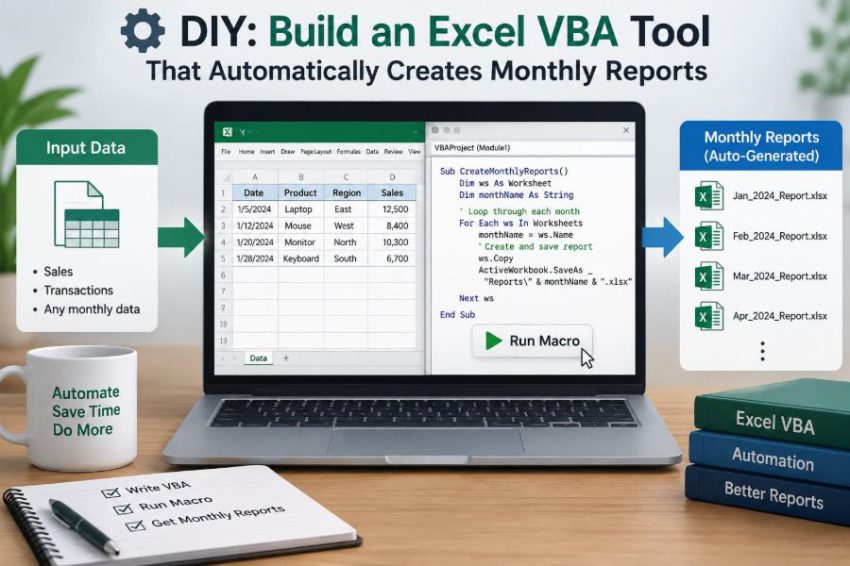
⚙️ DIY: Build an Excel VBA Tool That Automatically Creates Monthly Reports
Posted inFeatured

⚙️ DIY: Build an Excel VBA Tool That Automatically Creates Monthly Reports

Posted by admin September 22, 2026
Turn repetitive Excel reporting into a clear, repeatable workflow—validate data, create summaries, flag exceptions, and save polished outputs with VBA. ⚙️🧮✅
Read More
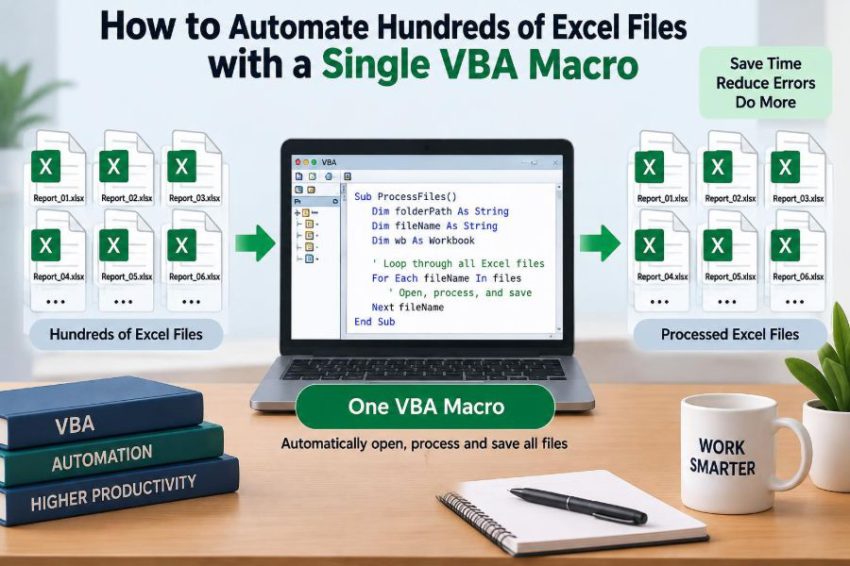
📂 How to Automate Hundreds of Excel Files with a Single VBA Macro
Posted inFeatured

📂 How to Automate Hundreds of Excel Files with a Single VBA Macro

Posted by admin September 20, 2026
Stop opening workbooks one by one. Learn a safe VBA pattern for looping through folders, logging results, handling errors, and protecting original files. 📊🛡️✅
Read More
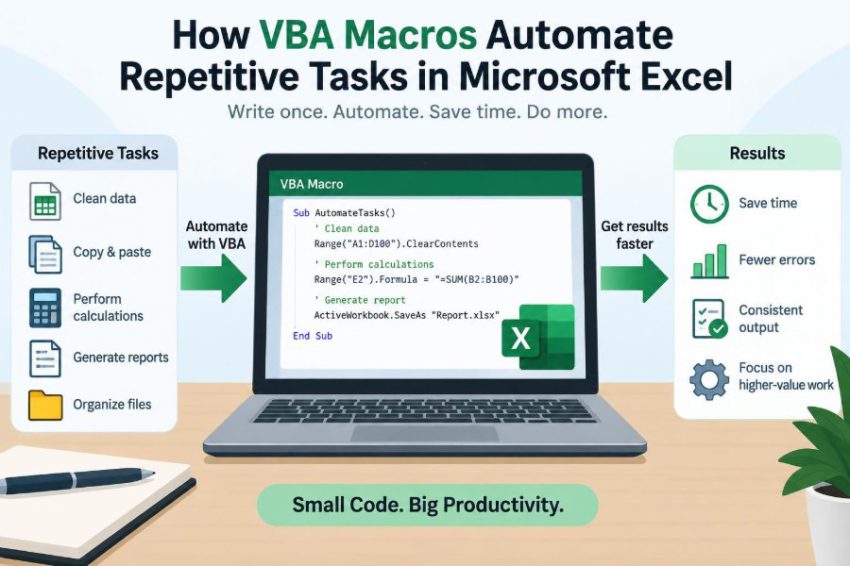
⚙️ How VBA Macros Automate Repetitive Tasks in Microsoft Excel
Posted inFeatured

⚙️ How VBA Macros Automate Repetitive Tasks in Microsoft Excel

Posted by admin September 18, 2026
Learn how VBA turns recurring Excel clicks into reliable, reusable steps—from recording macros and looping through rows to testing safely. ⚙️📊✅
Read More

Recent Posts

  • ⚙️ Why Excel VBA Macros Break After Workbook Structure Changes
  • ⚙️ How to Build a VBA Macro That Cleans and Formats Excel Data Automatically
  • ⚙️ Can Technology Replace Manual Excel Workflows Without Replacing VBA Completely?
  • ⚙️ Why Most Slow VBA Macros Spend Too Much Time Reading and Writing Worksheet Cells
  • ⚙️ Why Most Slow VBA Macros Spend Too Much Time Reading and Writing Worksheet Cells

Recent Comments

No comments to show.

Archives

  • October 2026
  • September 2026
  • August 2026

Categories

  • Featured
Copyright 2026 — Visual Basics for Application. All rights reserved. Bloghash WordPress Theme
Scroll to Top